This is a new topic in 12.03.
This is a new topic in 12.04.
Content highlighted in yellow is new in 12.03.
Content highlighted in blue is new in 12.04.
SC Controller Parameters
SC Controller Parameters contains adjustable settings which allow you to enable or disable certain validation checks. The options available differ between regions.
UK
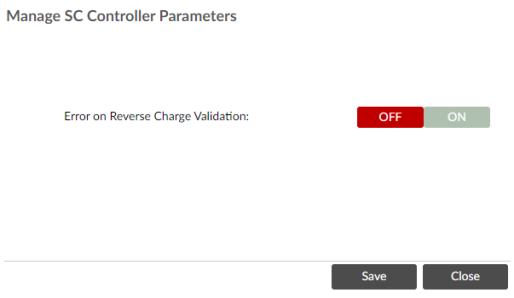
Error on Reverse Charge Validation
When this parameter is turned "ON", if an invalid VAT code is entered on a payment notice or pay less notice, an error will be produced upon clicking either Save or Check Payment Value. The error will prevent the user from continuing until they have entered a valid VAT code.
When this parameter is turned "OFF", if an invalid VAT code is entered on a payment notice or pay less notice, a warning will be displayed upon clicking either Save or Check Payment Value. The user will be informed that the VAT code they have entered is invalid, but they will still be able to save and submit the notice.
Australia
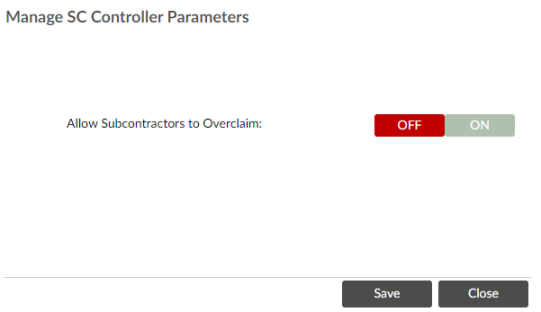
Allow Subcontractors to Overclaim
Turn this parameter “ON” to enable subcontractors to exceed the line values of an SC order when making a claim. They will still receive a warning for each line they have overclaimed, but they will not get an error message and can still save and submit the claim.
Turn this parameter “OFF” to disable overclaiming. Subcontractors will get an error message if they exceed the value of a line and will not be able to save or submit the claim.